
Limits
The map shows place, plan, buildings, and available units. Pricing and reservation stay outside it.
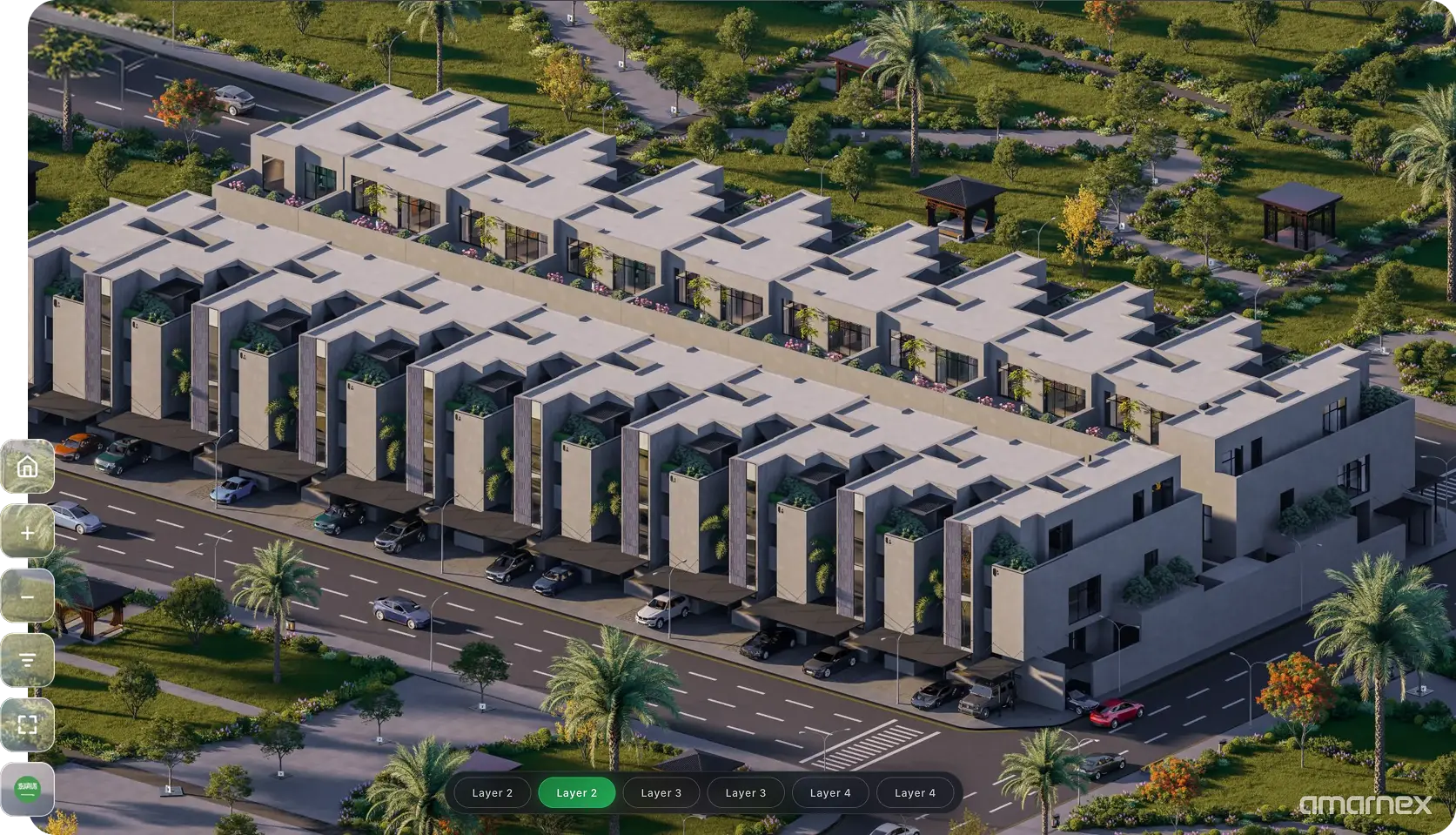
Help customers understand project location, nearby destinations, master plans, buildings, and available units through visual discovery.
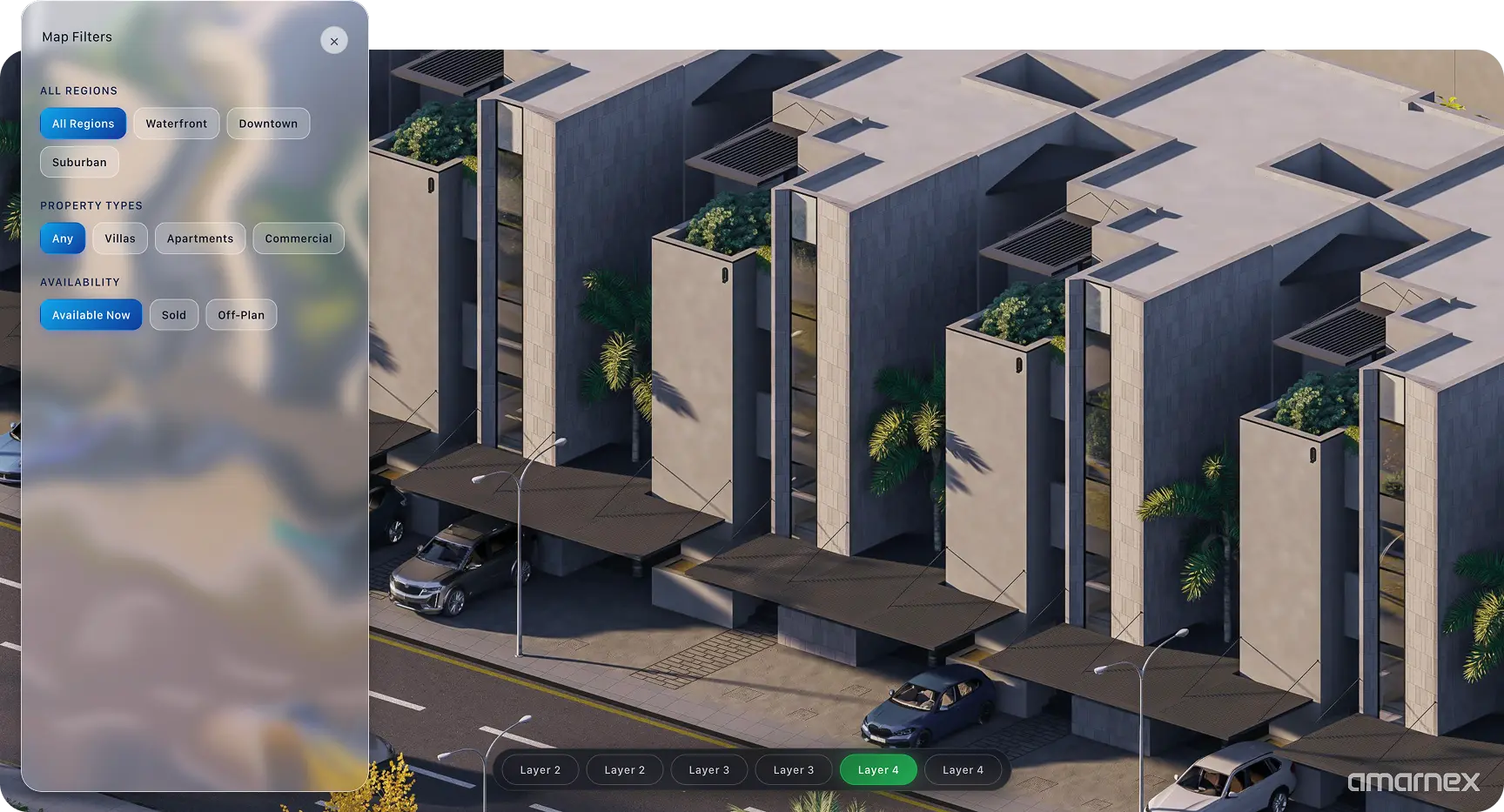
Customers can see where the project sits, what is nearby, and how the master plan is laid out. Buildings and available units stay on that same view, so the place and the stock are read together.
Show the project location, nearby destinations, and the master plan on one map.
Open a building from the map and see the units available in that place.
Use the map filters to read which buildings and units are available without leaving the plan.
Hand the building and unit a customer found on the map into the next sales conversation.
Customers understand the place, the plan, and the available units by looking, before anyone walks them through a separate list.

Limits
The map shows place, plan, buildings, and available units. Pricing and reservation stay outside it.
Handoffs
A unit chosen on the map goes to the sales conversation with its building and plan still attached.
Confirm first
Confirm the location, the master plan, and which units are marked available before customers use the map.
Limits
The map shows place, plan, buildings, and available units. Pricing and reservation stay outside it.
Handoffs
A unit chosen on the map goes to the sales conversation with its building and plan still attached.
Confirm first
Confirm the location, the master plan, and which units are marked available before customers use the map.